Internationalization (i18n)
SaaS Self-hostedEntropy Data can present its user interface in more than one language. Each user chooses their preferred language in their profile settings, and the application remembers it across sessions. Emails and channel notifications (Slack, Microsoft Teams, Google Chat) are sent in the organization's language.
Currently available UI languages:
en— English (default)de— German
Product terminology such as Data Product, Data Contract, and API Key stays in English across all languages.
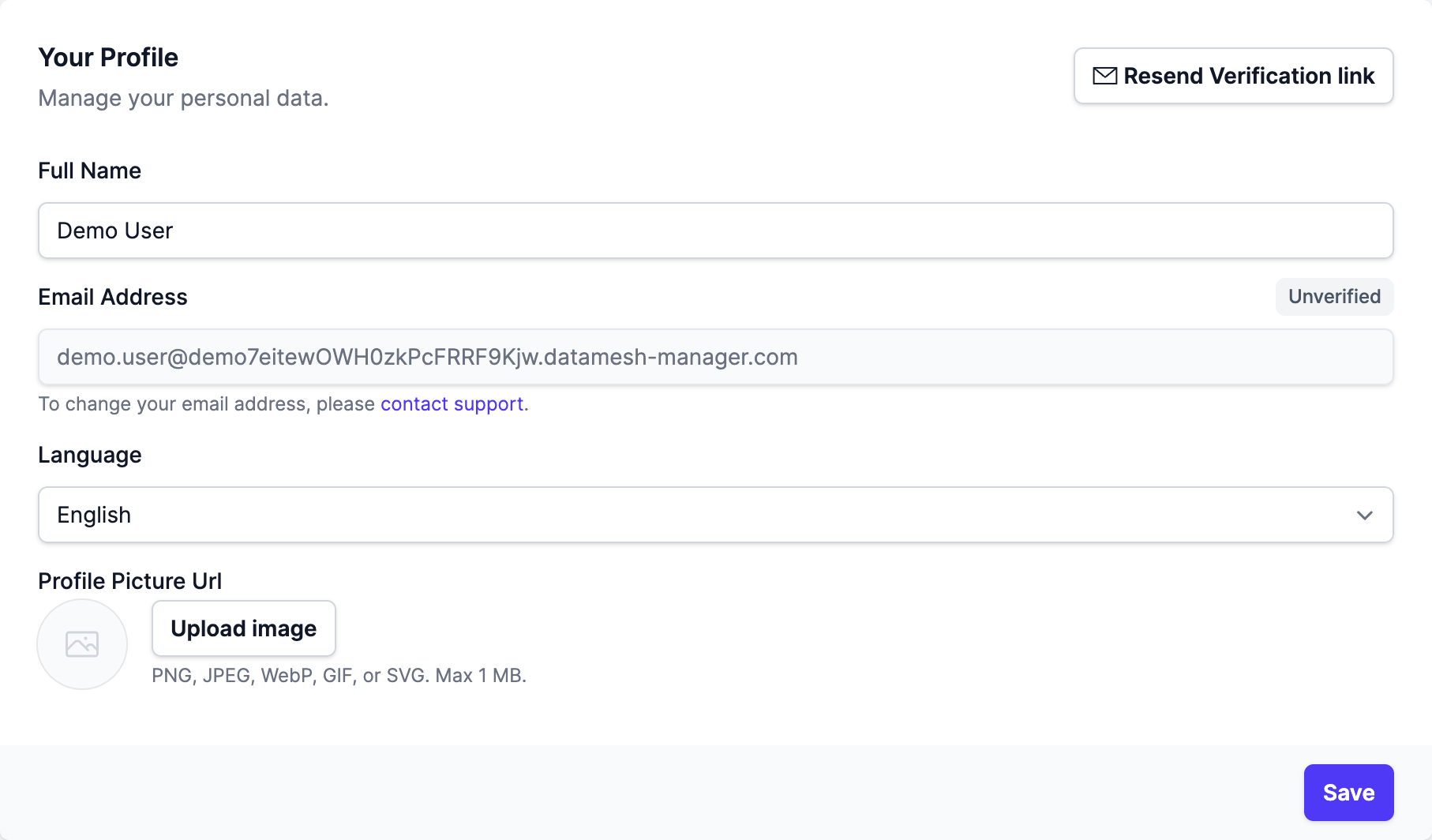
Choosing a language
When more than one language is enabled, a Language dropdown appears in each user's profile settings. The selection takes effect on the next page load and is stored per user, so it follows the user across devices and sessions.
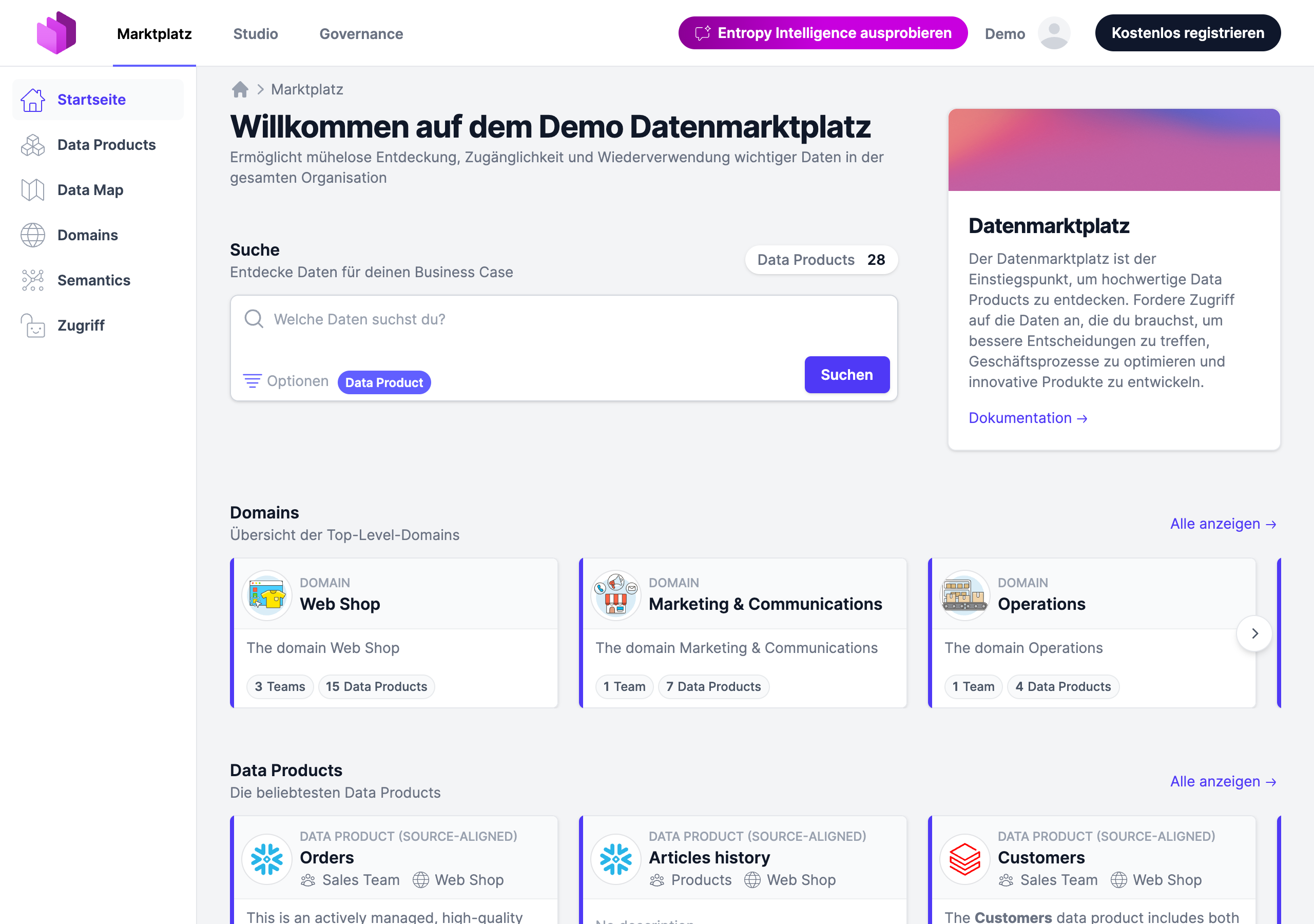
Once a language is selected, the navigation, forms, and other interface text are shown in that language.
When only a single language is enabled, the dropdown is hidden and the interface is shown in that language for everyone.
Configuration
Self-hostedFor self-hosted deployments, the available UI locales are configured with environment variables. In the managed SaaS offering, the available languages are set for you.
| Environment Variable | Value | Description |
|---|---|---|
| APPLICATION_I18N_SUPPORTED_LOCALES | en | The UI locales users can choose from, as a comma-separated list of language tags (e.g. en,de). Currently available: en (English) and de (German). A language picker appears in the user profile settings once more than one locale is enabled. |
| APPLICATION_I18N_DEFAULT_LOCALE | en | The fallback UI locale, used for anonymous visitors and users who have not chosen a language. Must be one of APPLICATION_I18N_SUPPORTED_LOCALES. |
See the Configuration page for the full list of environment variables.