Model Context Protocol (MCP)
Manage AI clients connected via Model Context Protocol (MCP) to access your data products and metadata.
Overview
The Model Context Protocol (MCP) enables AI clients like ChatGPT, Claude, and Microsoft Copilot to interact with your Entropy Data organization. Through MCP, AI assistants can:
- Search and discover data products
- Fetch detailed data product information
- Request access to data products
- Execute SQL queries on authorized data products
- View and manage data contracts
Setup Instructions
Navigate to Settings -> MCP -> Add MCP Client and choose your AI client to get started:
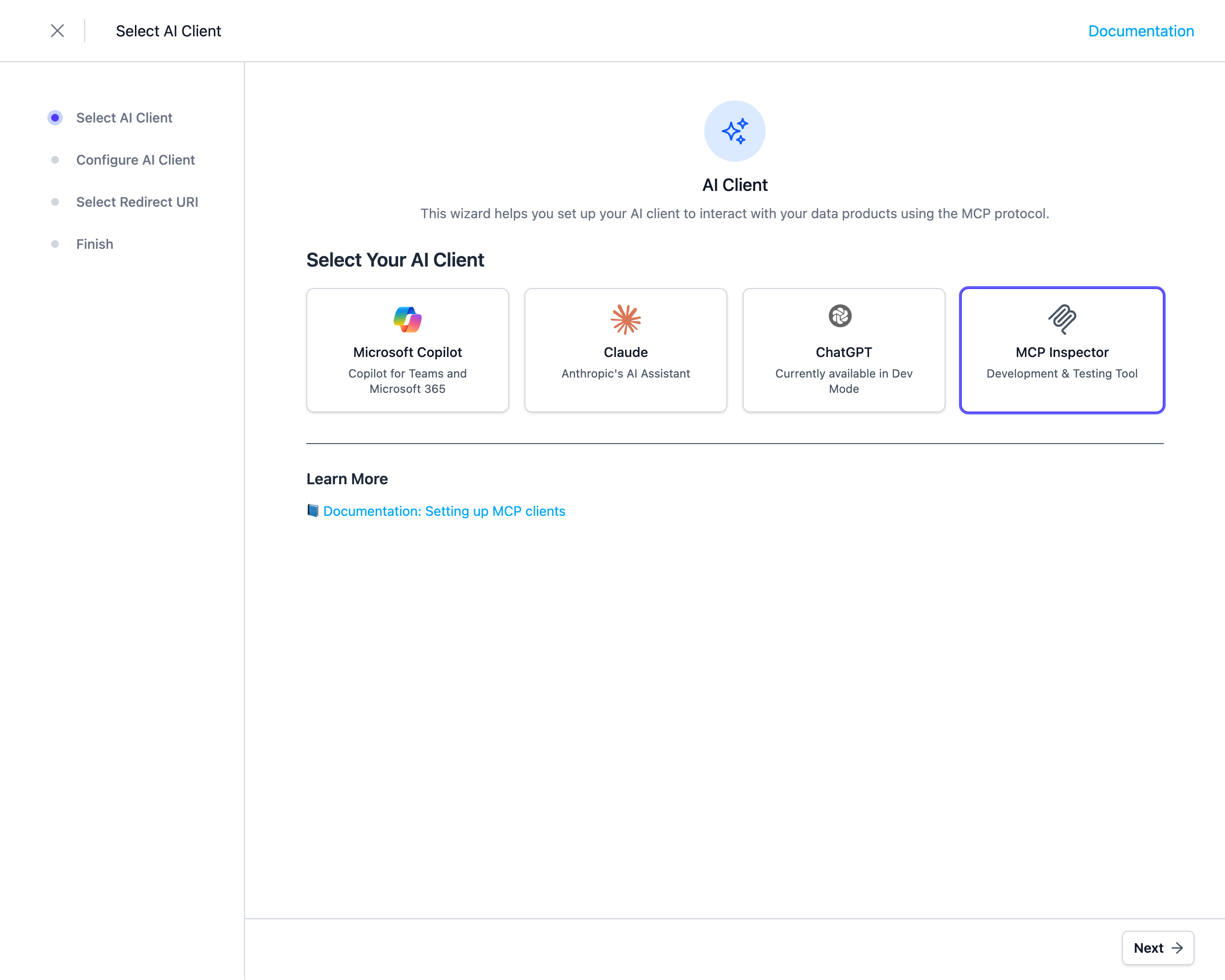
ChatGPT
Connect OpenAI's ChatGPT to your MCP server using Developer Mode and custom connectors.
Claude
Add your MCP server as a custom connector in Claude's settings.
Microsoft Copilot
Configure Microsoft Copilot Studio to connect to your MCP server with full OAuth 2.0 authentication.
MCP Inspector
Use the MCP Inspector tool to test and debug your MCP server integration.
If OAuth 2.0 is not supported by your MCP client, you can use API Key authentication instead.
Learn more about API Key authentication →